What Each Brief Builds
These are working examples from feeding the briefs to an AI coding agent. Each step took minutes, not days.
Google Sheets Pattern Graph
Brief 1 sets up this template — a Google Sheet with 4 tabs following the Fodda Pattern Standard.
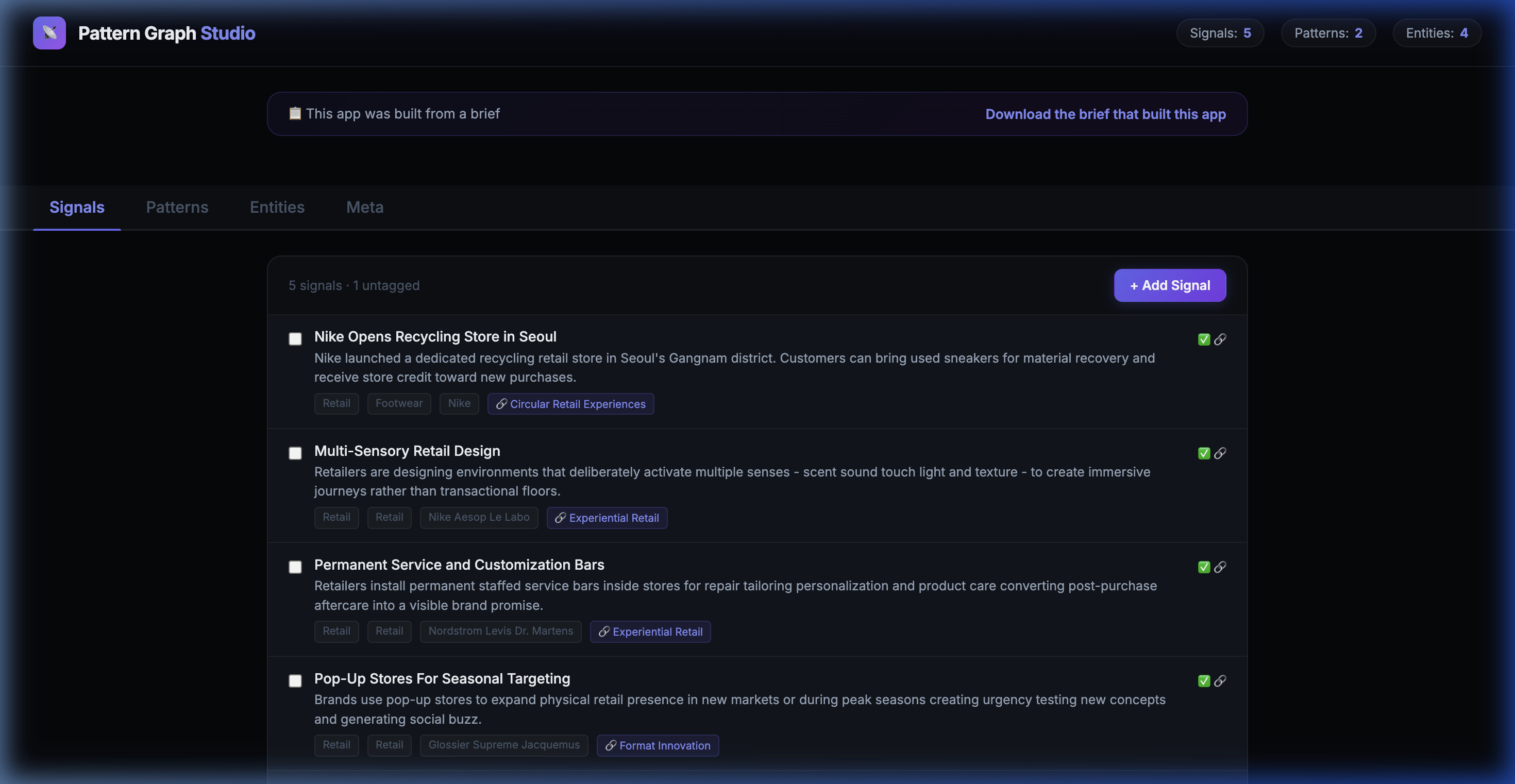
📊 Signals Tab — 5 real signals extracted from URLs, with summaries, sectors, and pattern links
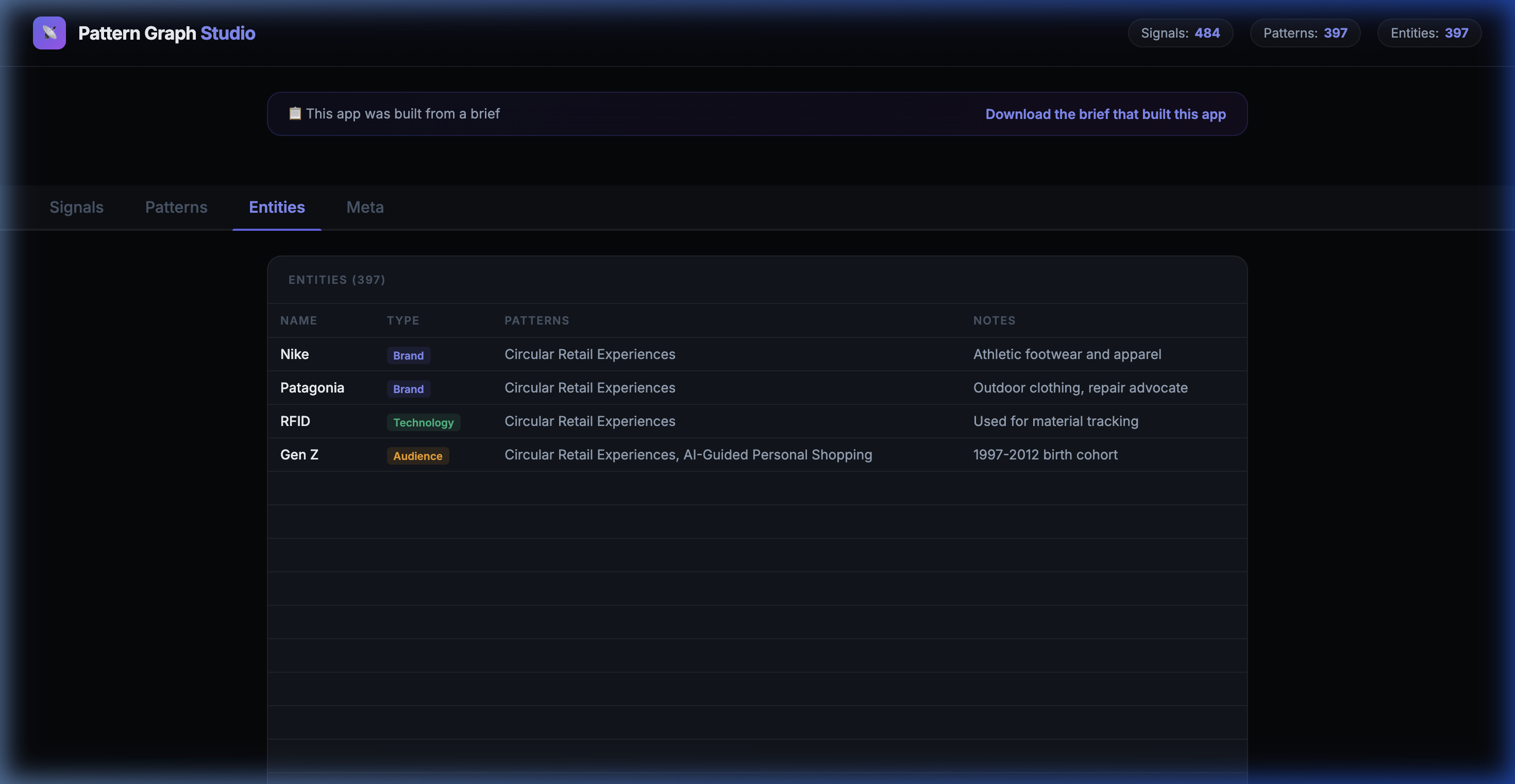
🏷️ Entities Tab — Brands, technologies, and audiences extracted and linked to signals
The App That Populates Your Sheet
Brief 2 builds a full web app. Paste a URL → it extracts data via AI and writes to your Sheet. Then group signals into patterns.
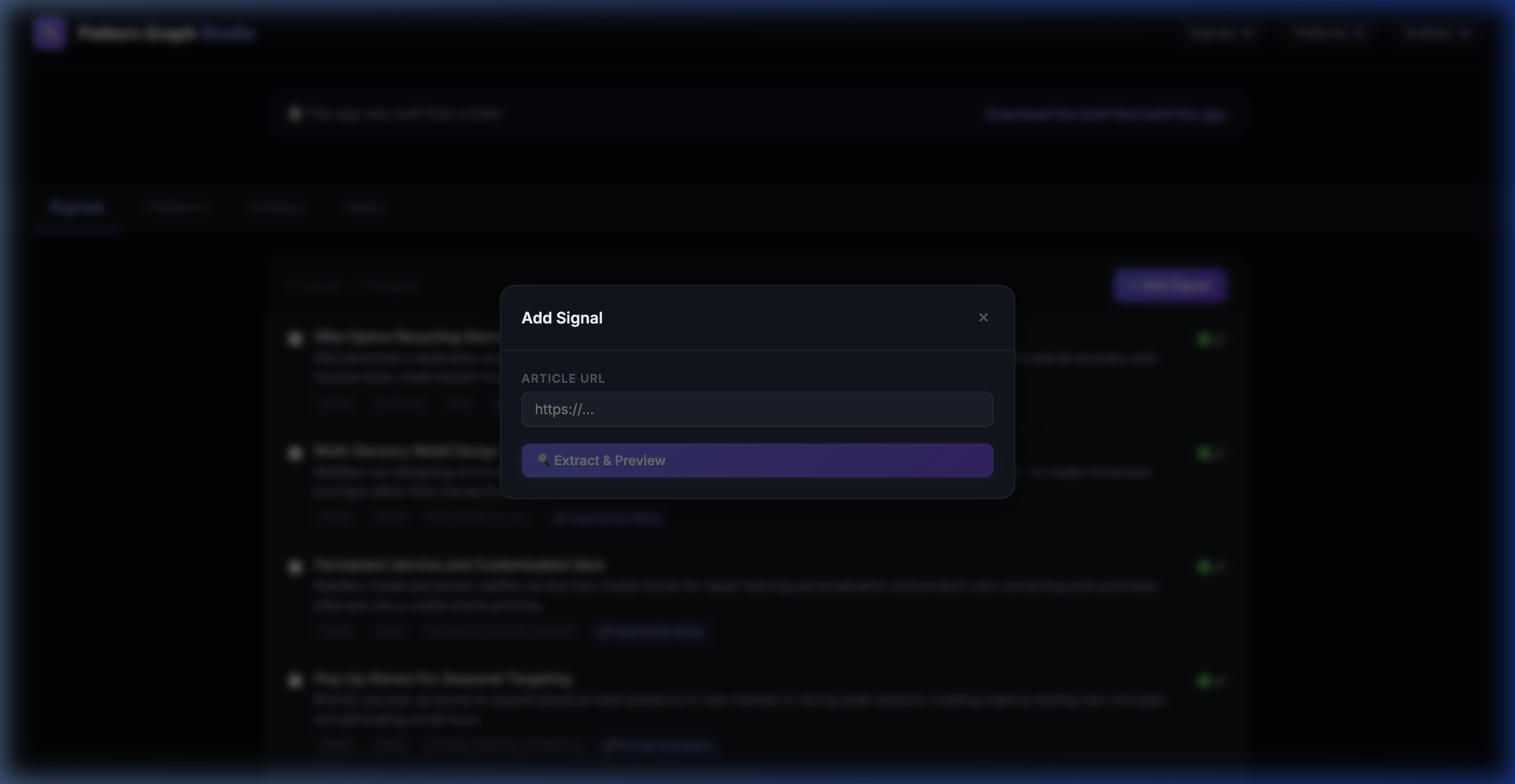
📥 Add Signal — Paste a URL, click "Extract & Preview". The LLM extracts title, summary, brands, sector, and writes it to your Sheet.
🔍 Suggest Patterns — Click the button and AI analyzes your untagged signals, proposes groupings with confidence scores.
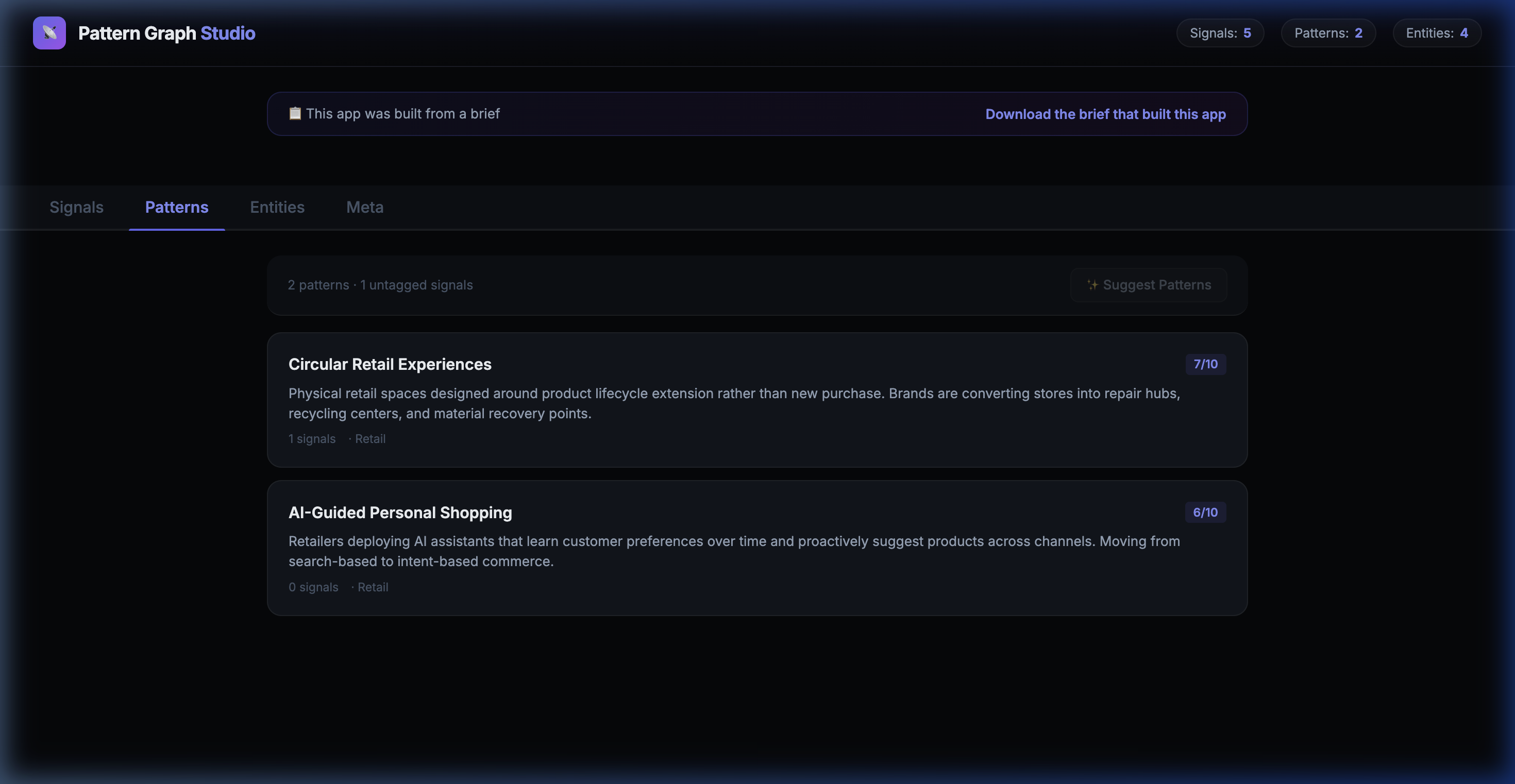
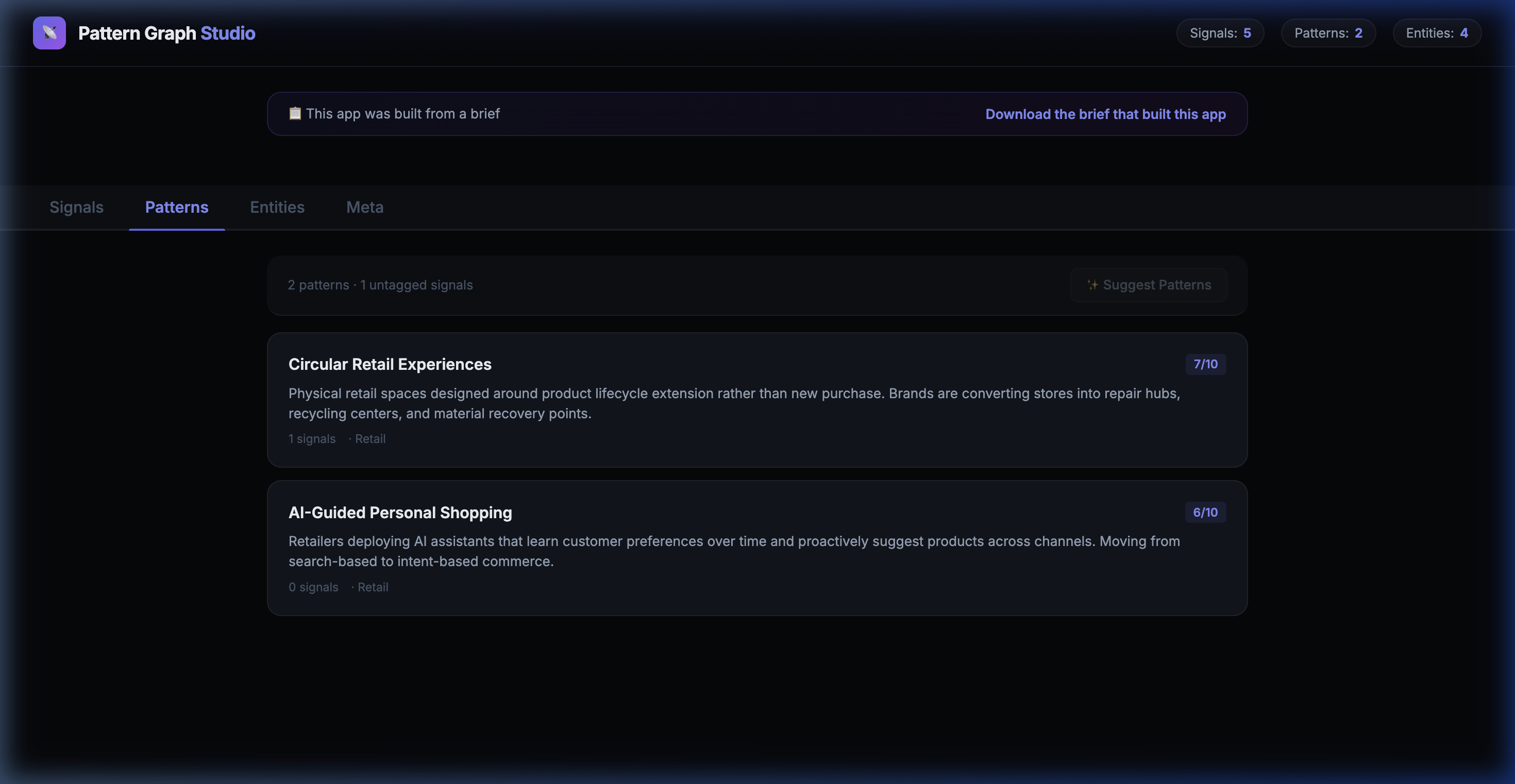
📋 Patterns View — 2 patterns identified: "Circular Retail Experiences" (7/10) and "AI-Guided Personal Shopping" (6/10), each linked to signals.
Turn Your Sheet Into an MCP
Register your Sheet on Fodda. You get an MCP URL that Claude, Notion, and any AI tool can query.
https://mcp.fodda.ai/mcp?api_key=YOUR_KEY&user_id=claude-userAdd it to Claude as a Connector or use it with a Notion Agent. Your knowledge graph is now queryable by AI.