References
Case Studies
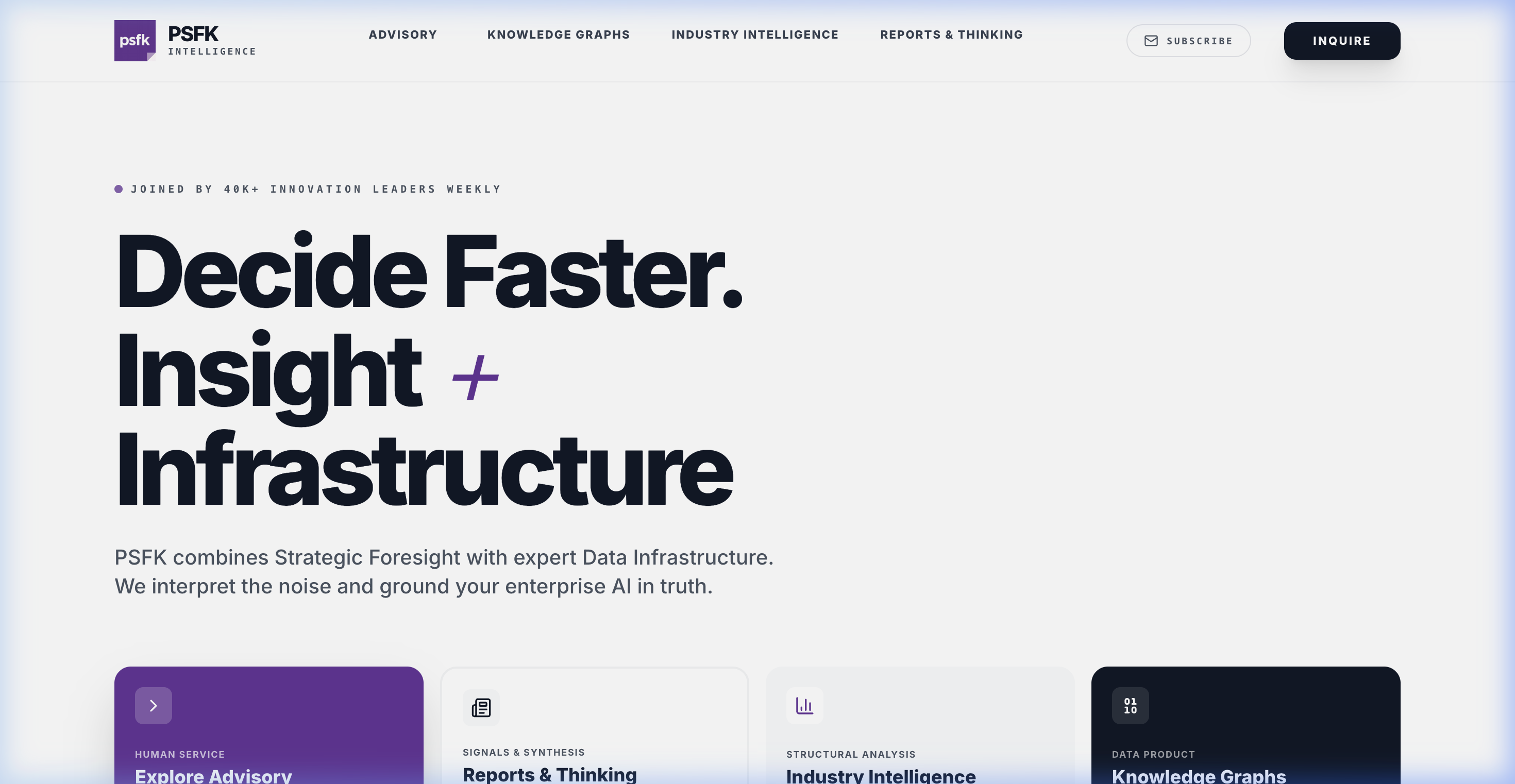
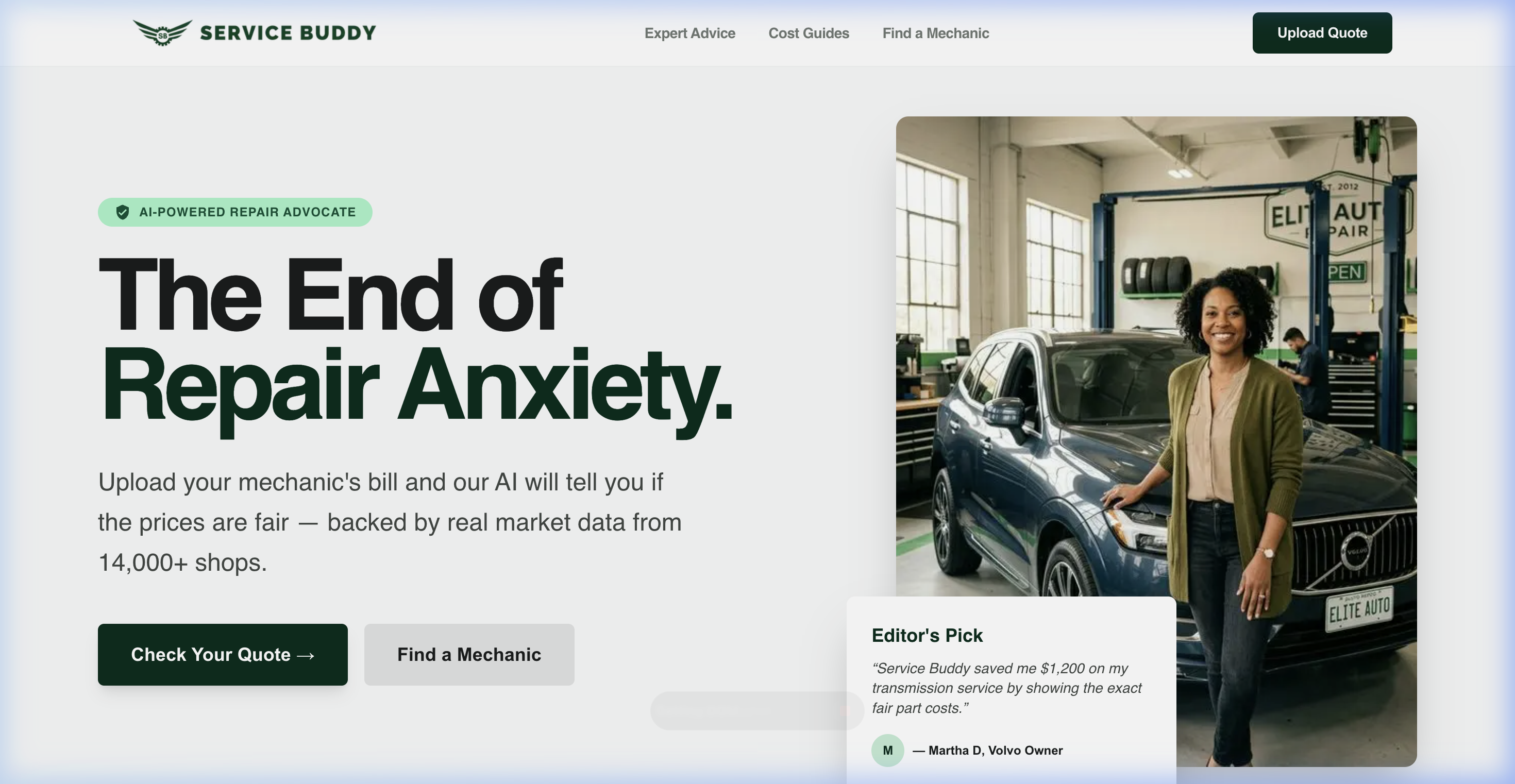
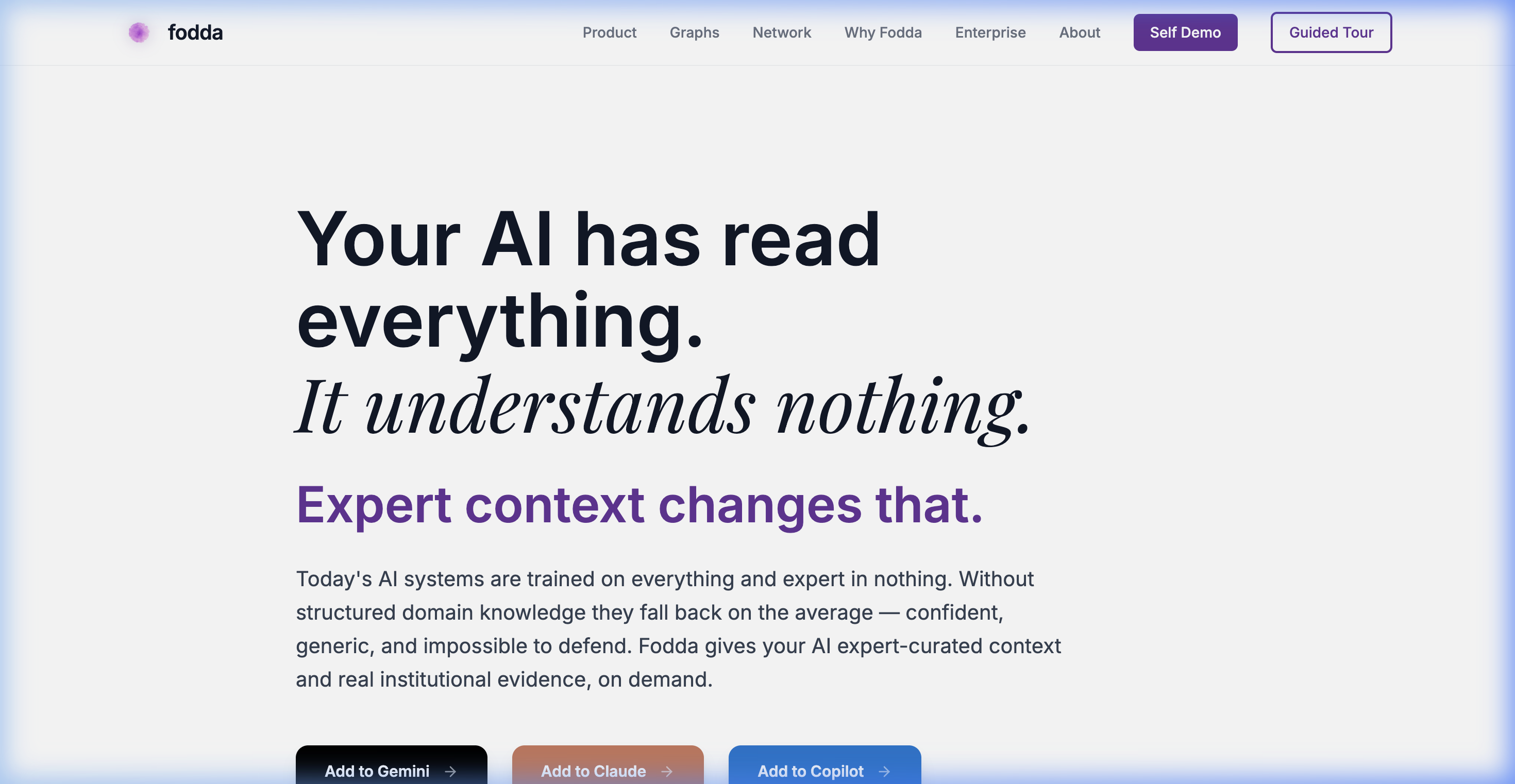
Fodda, PSFK and Service Buddy serve as references—but the focus is on the process and systems used to build rather than a specific delivery.
An inside look at how Antigravity and AI agents are used to think, create, and ship — at a pace and depth that wasn't possible before.
Fodda, PSFK and Service Buddy serve as references—but the focus is on the process and systems used to build rather than a specific delivery.
Postpone?
Or do I build?
And so I build.
And I asked my knowledge graph mentor if they knew some juniors.
And she said... "Ask AI."
And so I build.
There isn't one "AI" that does everything. I use three distinct layers that work together to replace an entire team.
Copilot / ChatGPT / Gemini. Used for reasoning, planning, structuring ideas, and generating code briefs.
Antigravity. The agents that write the actual code, execute commands, modify files, and deploy to production.
Deep Research / Search. Performs deep competitive analysis, comparisons, and ingests macro trends to synthesize.
The system used to build, run, and sell a product — with AI. A distributed ecosystem of related codebases.
Ingest → classify → categorize. Embeddings and macro trend synthesis. Data becomes insight.
Fodda API, MCP Server, Copilot Studio, npm packages. How agents and enterprises access it.
Cloud Run, App Engine, Docker, Cloud Scheduler, Secret Manager.
Stripe, Streak (CRM), Nodemailer, Search Console. Running a business.
Node.js, TypeScript, Zod, Axios, GitHub.
The project is broken into various workspaces for different functions. Fodda is a platform with 8 interconnected codebases — a system of agents operating as a unified team.
| Workspace | Role |
|---|---|
| /Fodda | Main app — React/Vite frontend + Express server, deployed to Cloud Run (app.fodda.ai) |
| /Fodda API | Core graph query API — Neo4j, embeddings, semantic search, supplemental data |
| /Fodda MCP | MCP server — exposes Fodda to Claude, Gemini, Notion, Copilot, OpenAI |
| /Fodda PSFK | The PSFK/Retail knowledge graph — Neo4j data, signal ingestion, trend patterns |
| /Fodda Ben Dietz | Ben Dietz's expert graph — separate data pipeline |
| /Fodda CE | Consumer Electronics & Design expert graph — Piers' graph |
| /Fodda Sales | CRM / sales tooling — likely powers the Streak integration and pipeline tracking |
| /Fodda Website | Marketing site — www.fodda.ai / www.psfk.com portals, deployed to App Engine |
Because agents have no persistent memory, I created files and workflows to maintain consistency across 8 codebases.
Every deployment is logged in CHANGELOG.md with exact filenames changed. This serves as both audit trail and onboarding doc.
BACKBURNER.md captures deferred ideas so nothing falls through the cracks.
Every workspace has a .agents/workflows/ directory with slash-command-style instructions (like /deploy) so Antigravity executes tasks reliably without re-explaining them.
The agent in each folder is assigned the work that affects that repo. It picks up a tailored brief, finds the context, and executes — preventing blind mistakes.
📄 Sample BriefWhen the API changes, that agent leaves a structured handoff note telling the App or MCP agent exactly what APIs changed schema so they can adapt.
📄 Sample NoteThe British Library (My Rosetta Stone)
Every workspace maintains "Agent Bibles" — structured documentation that I copy into every folder and share with every co-pilot (Claude, ChatGPT, Antigravity) to ensure they are never working in a vacuum.
The focus: turning messy inputs (calls, notes, decks) into structured prompts.
Getting the AI to truly understand intent and the problem before writing any execution instructions.
Loading inputs into a "project" and asking the LLM to design the architecture first.
Iterating until it produces usable, structured prompts to feed the coding agents.
The pattern is agentic speed combined with human product judgement — defining *what* Fodda should be through briefs, while Antigravity handles technical execution.
Gathering messy inputs: sales calls, meeting notes, product ideas, bugs, and external user feedback.
I use a thinking system (Claude/ChatGPT) to interpret the problem, define success, and clarify the constraints.
Writing precise execution briefs for the specific workspace agents (e.g. "Update the API code to support Copilot").
Passing the brief to Antigravity inside the correct codebase. The agent inspects the code context and executes.
Validating the output. Does it work? If things break, another LLM is used to debug and refine.
I run automated workflows (like `/deploy`) to push to production, and update the memory layer (`CHANGELOG.md`).
I don’t believe in agents.
I believe in agentic code that traverses steps but I know it's not alive. It is not Hal or Kit.
There is no agent WAITING for you to return. It does not wake ready.
Every time you return to an agent it’s going to run a xerox of yesterday’s code but because Gen AI is probabilistic, it’s going to do it slightly differently. A new temp worker arrives to work every day to do the job the last one did yesterday.
Building faster with AI is only the first stage.
The next step is using AI to build better — autonomously.
This is advanced, but powerful. Turn repeated actions into named workflows and reusable operators.
I've started with /deploy and /update-changelog — the goal is to do more.
The ultimate goal: A system that teaches itself. I want the agents to analyze successful runs and update their own bibles and workflows autonomously.
No more manual note-passing. Just continuous, self-improving execution.
• CHANGELOG.md → memory
• BACKBURNER.md → roadmap
• Briefs → execution instructions
• Workflows → automation
• Agent handoffs → coordination